Do a Job · Everyday · 4 min
Let people in, and hand the room over
See who is at the door, say yes or not now, decide what people can do while they wait, and make somebody else the host.
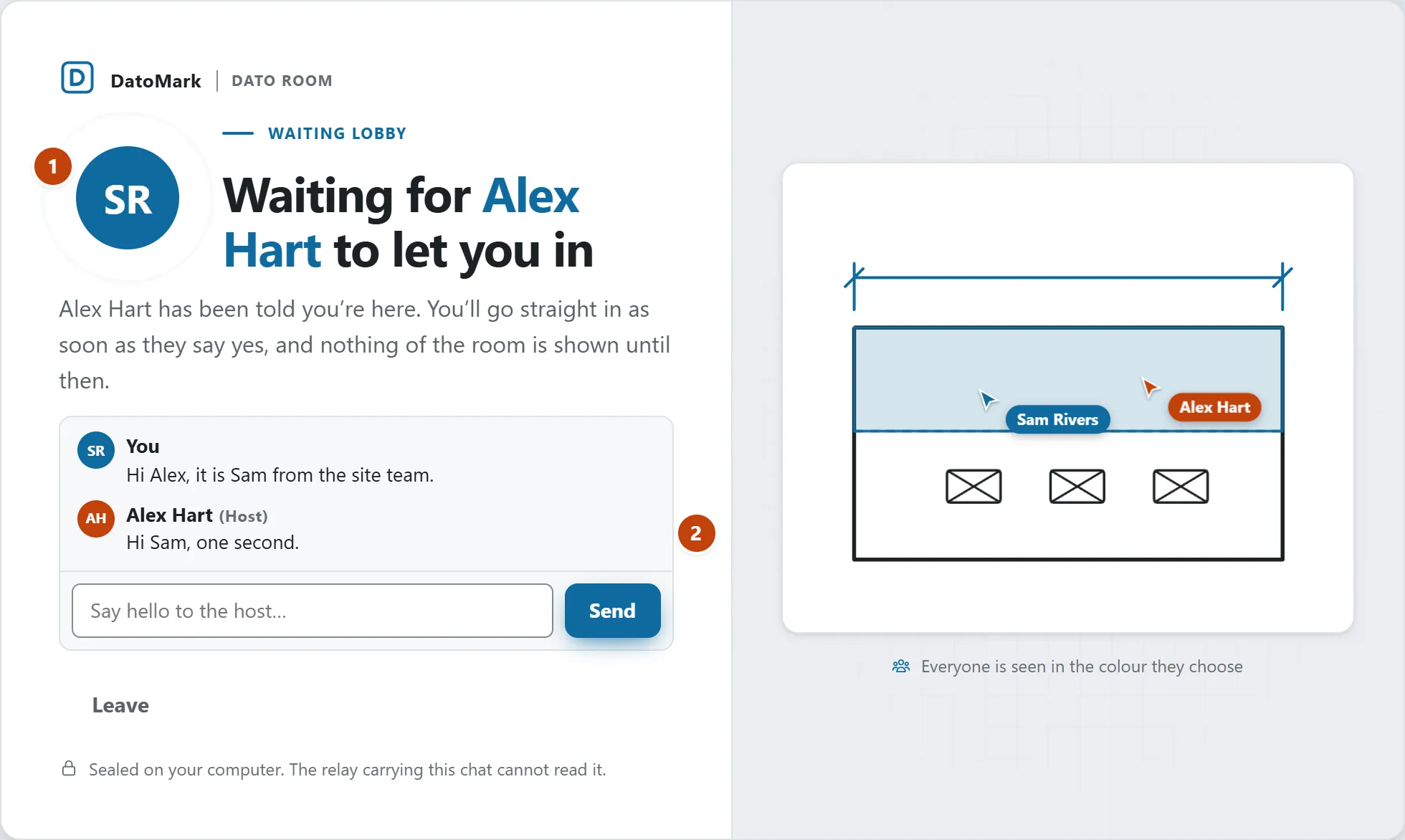
By default a room lets people in one at a time. Whoever opens your invite lands on the invitation page, says who they are, and is held at the door until you say yes. You hear a soft knock and see a message (“Sam is asking to join”) with a Let in button, and the People tab lists everybody waiting. Everybody in the room sees who is at the door (a small message tells them too); only the host can answer.
- Open the People tab. Under Waiting to join each person has a badge, their name and two buttons.
- Let in brings them into the room: they get the drawing, the marks and the chat so far, and everybody is told they joined.
- Not now sends them away. They’re told, and the page says the host couldn’t let them in this time.
- With several waiting, Let everyone in does it in one press.
What somebody waiting can see and do
Very little, and that’s held by the service that carries the room, not just hidden on their screen. Until you let them in they are not sent the drawing, the marks, the files, anybody's pointer, or the list of people. They can say who they are (the host sees it) and, if you allow it, chat.
How people come in
- Let people in one at a time is a switch at the foot of the People tab, on by default for rooms you start (change that default in Settings › Collaborate). Off, anyone with the link comes straight in. Turn it off while people are waiting and they’re let in.
- People waiting can chat lets them read the chat from the moment they arrive and write to the room. What was said before they came isn’t shown to them.
- Somebody you let in is not asked again if their connection drops. A new link opened on another computer is a new person at the door.
Make somebody else the host
Press the ⋯ at the end of a person's row in the People tab, choose Make host… and confirm. They become the host: they can let people in, change how people come in, name presenters, add drawings and end the room. You become an ordinary member (you can still mark up and chat) and can’t do those things unless they make you host again. The room, its marks and its chat carry on without a break.
The host has a crown on the far right of their name in the list, and beside it in the chat; hover over it and it says who the host is. The crown comes from the service, not from anything somebody typed, so nobody can take it by choosing the host's name.
Take somebody out of the room
Press the ⋯ at the end of a person's row in the People tab, choose Remove from the room… and confirm. They’re disconnected at once and told the host removed them; they keep their own copy of the drawing and anything they marked. With Let people in one at a time on they would have to knock again to come back; with it off their link still works, so turn it on first if you don’t want that.